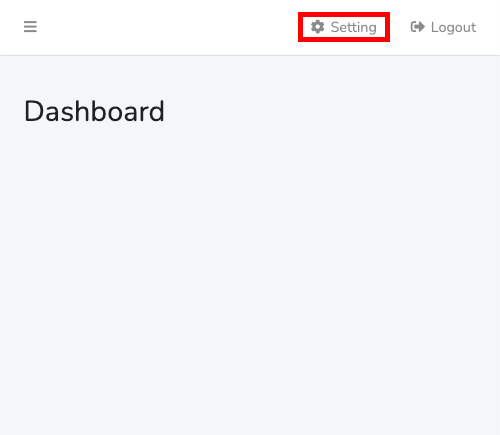
Once logged in, please click 'Setting'.
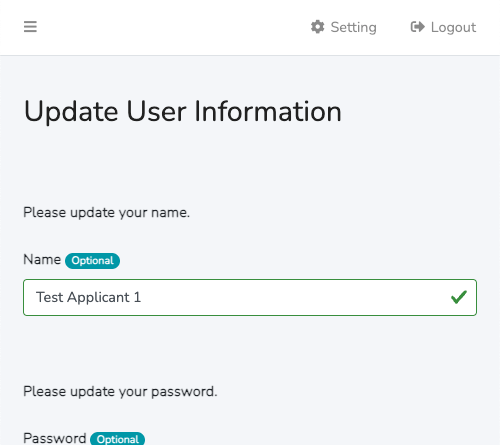
Scroll down to the bottom after the page is displayed.
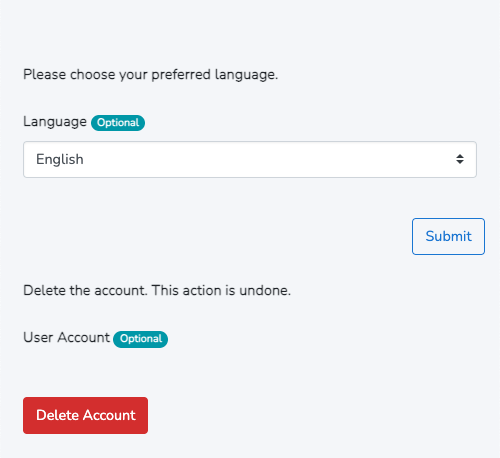
Then you will find the button 'Delete Account'.
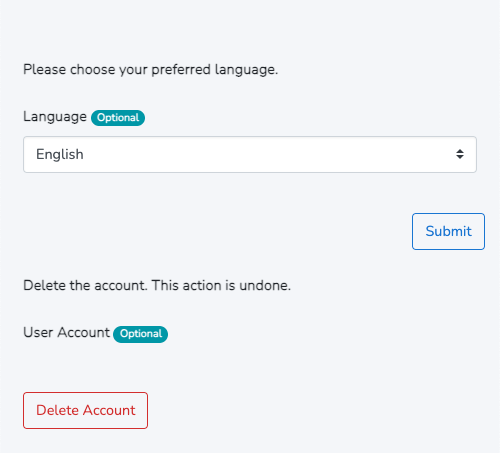
Please click the button 'Delete Account'.
The modal is displayed.
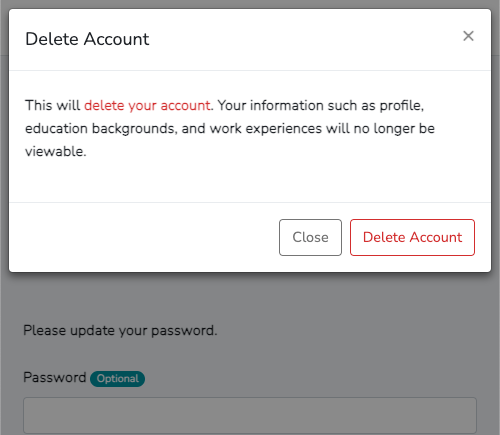
Please click the button 'Delete Account'.
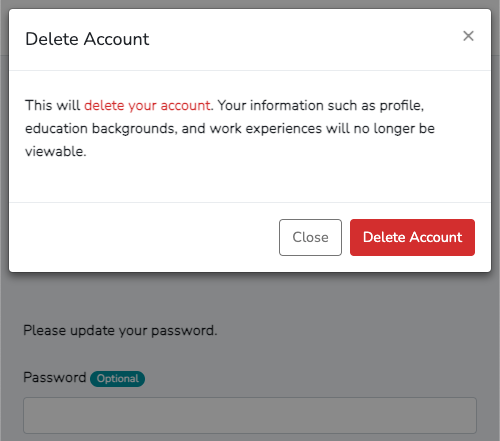
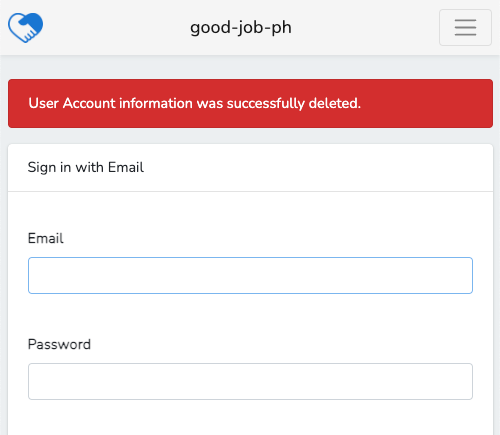
Then the user logout is done, the account is deleted and the login page is displayed.